Installation
The Medusa Nodes addon can be installed just as every other Blender addon, no extra steps included:
Go to the Edit > Preferences > Add-ons.
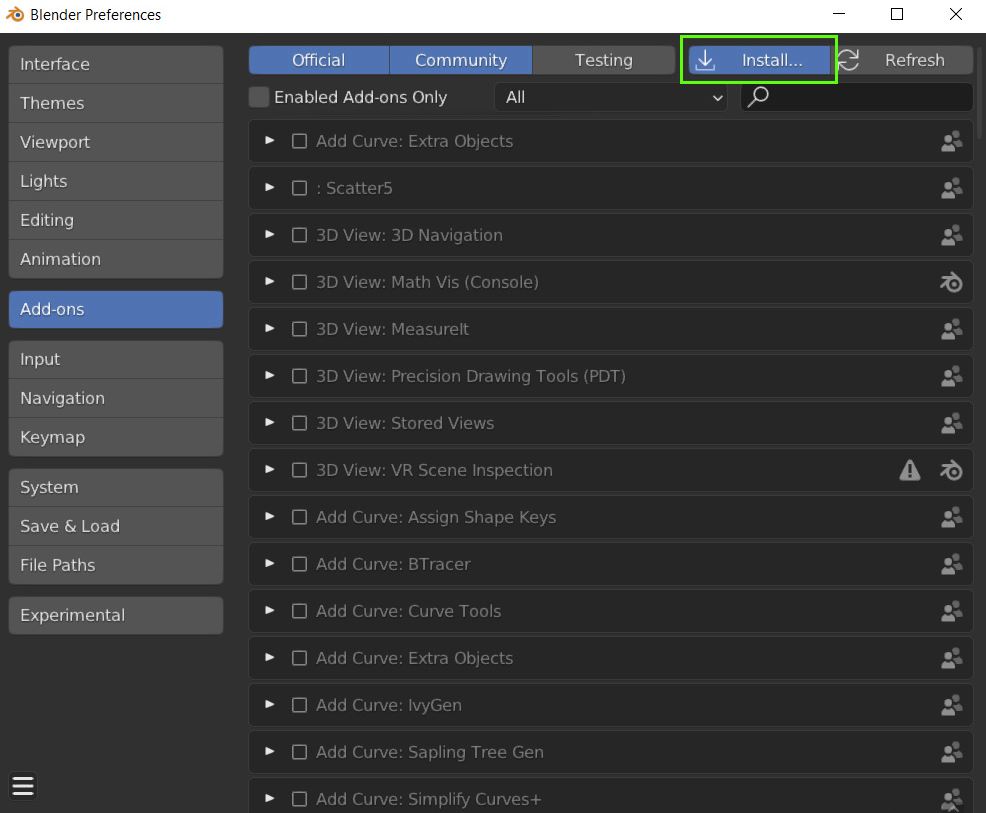
Click on Install button in the upper right corner of the Preferences window.
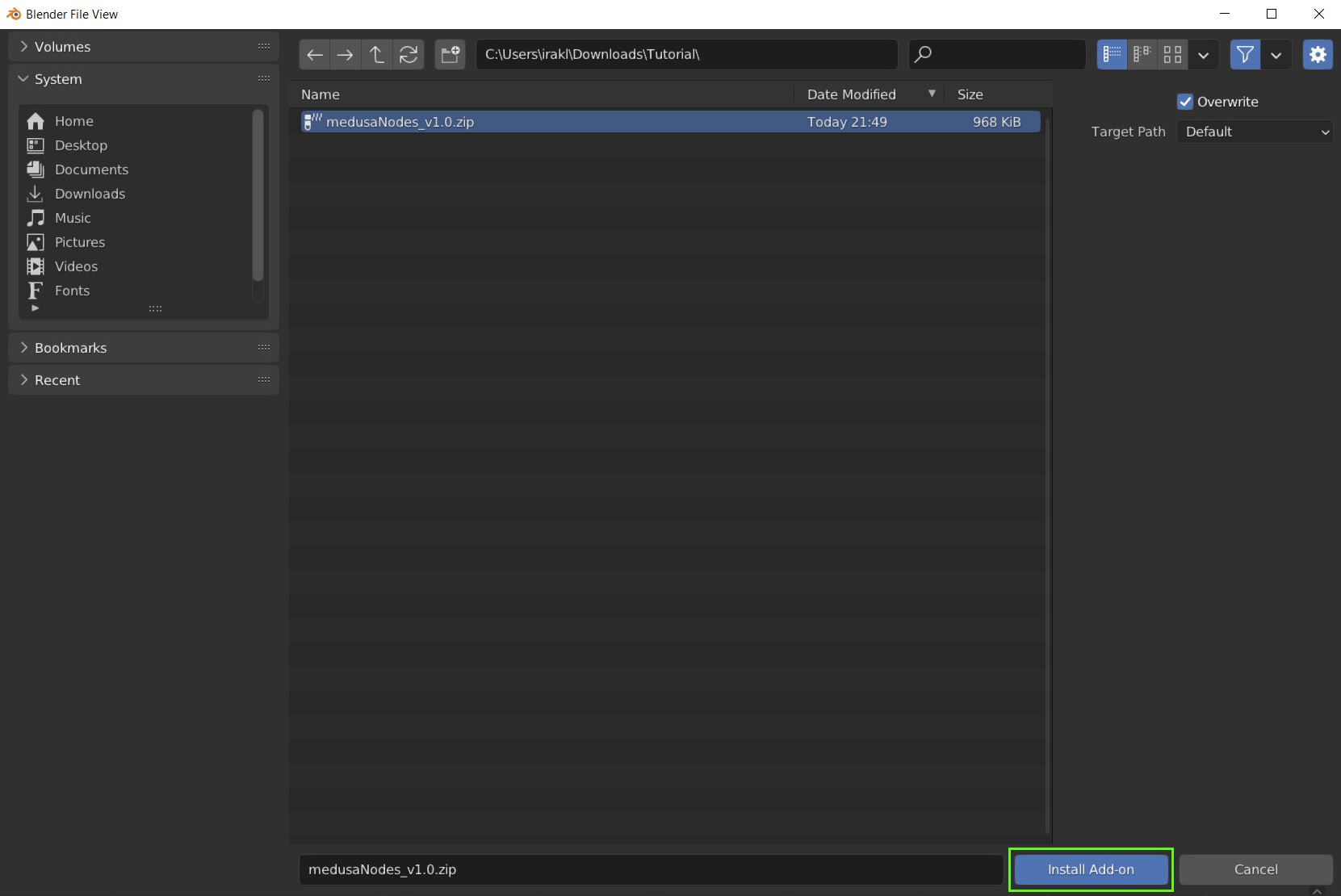
Navigate to the directory where the medusaNodes-vX.X.zip file is located and select it, then click on Install Add-on button in the lower right of the file browser window.
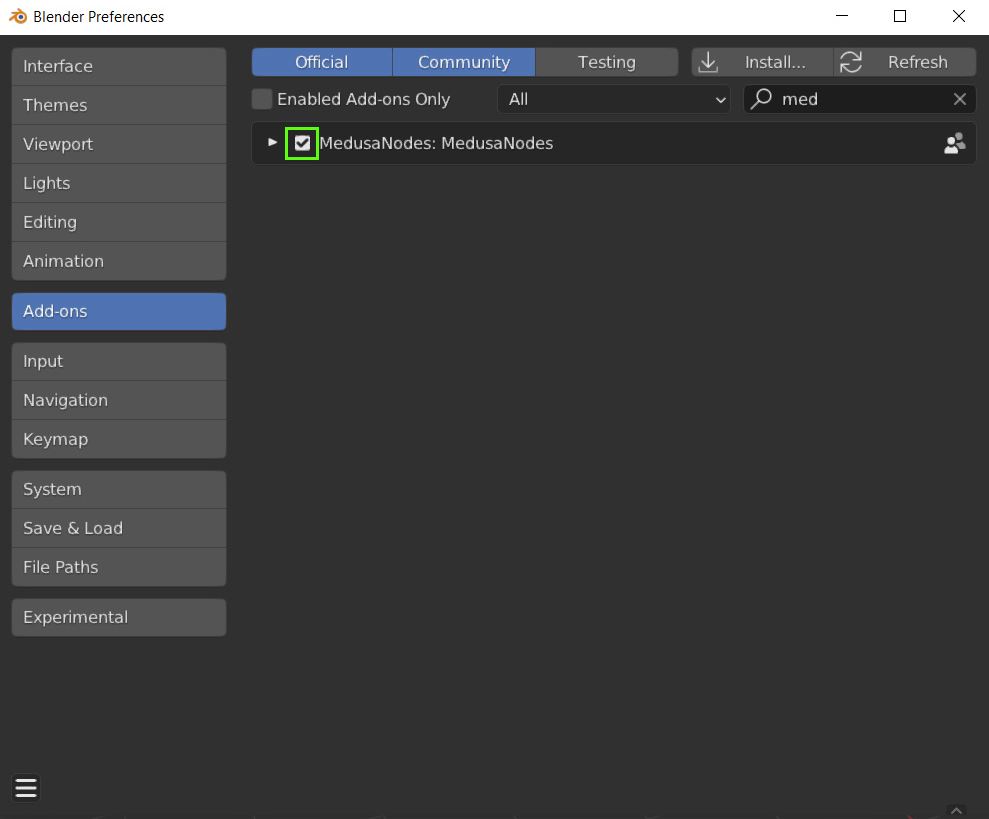
After the addon appears in the Preferences window, simply enable it by cheking the box on the left side of the addon name.